为什么我创建 Agent Canvas
AI 让创建新页面变得容易,却未让整个 App 更容易理解。我想一次看到实际页面和失败状态,无需逐页点击,也无需另外维护一份设计文件。
Agent Canvas 将审查变成可导航的画布。Coding agent 负责各 Repo 的集成;共享工具提供画布、真实代码 web previews、跟随流程的镜头和可检查播放。
StoolSense 是公开的虚构示例,没有生产会话、真实健康记录或 AI 请求。可选的匿名工具使用事件与 App 数据分开。
免费、开源
轻巧的产品工作空间:查看 coding agent 构建的 App,操作真实界面,指出要改的地方,再从源代码继续构建。
永久免费 · MIT 许可 · 使用你的 Agent
Claude Code
Codex
免费、开源
AI 让创建新页面变得容易,却未让整个 App 更容易理解。我想一次看到实际页面和失败状态,无需逐页点击,也无需另外维护一份设计文件。
Agent Canvas 将审查变成可导航的画布。Coding agent 负责各 Repo 的集成;共享工具提供画布、真实代码 web previews、跟随流程的镜头和可检查播放。
StoolSense 是公开的虚构示例,没有生产会话、真实健康记录或 AI 请求。可选的匿名工具使用事件与 App 数据分开。
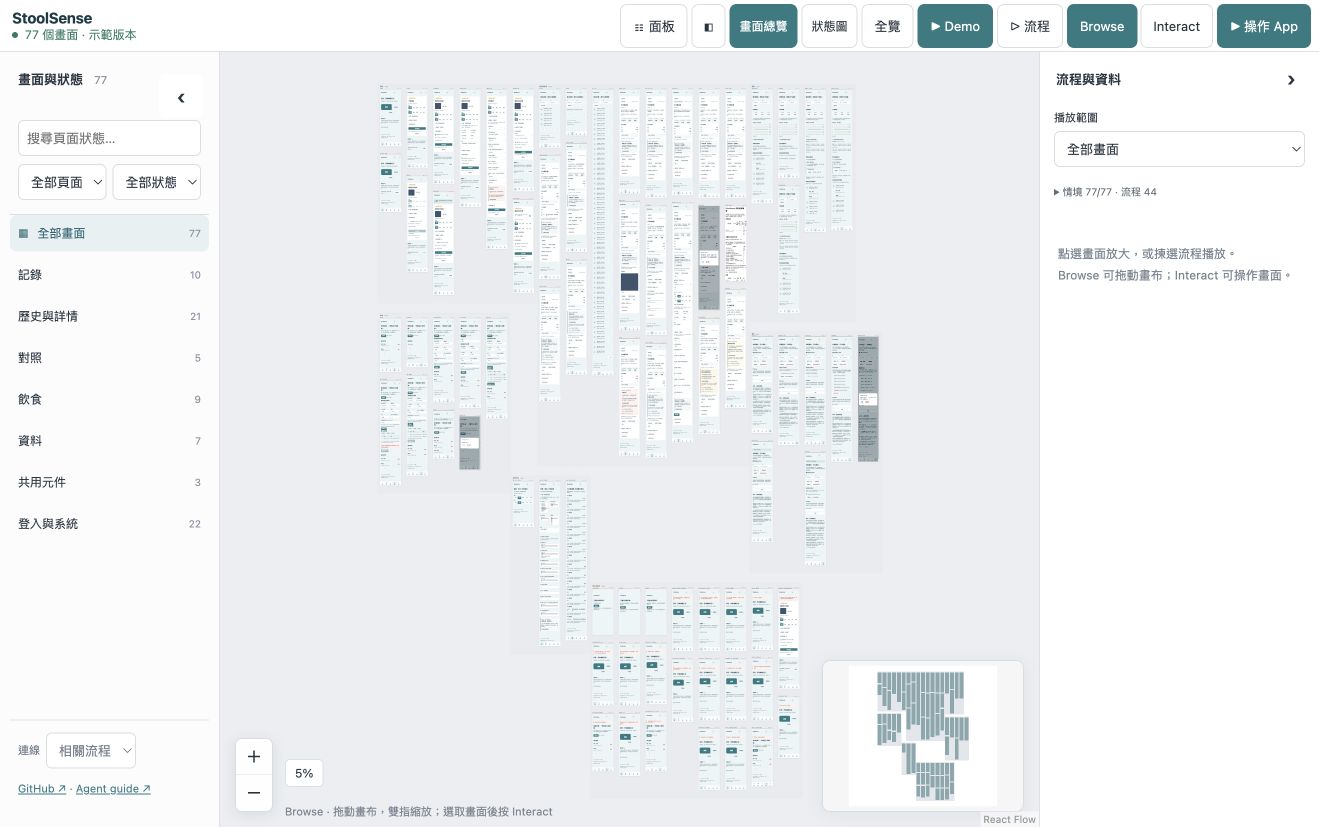
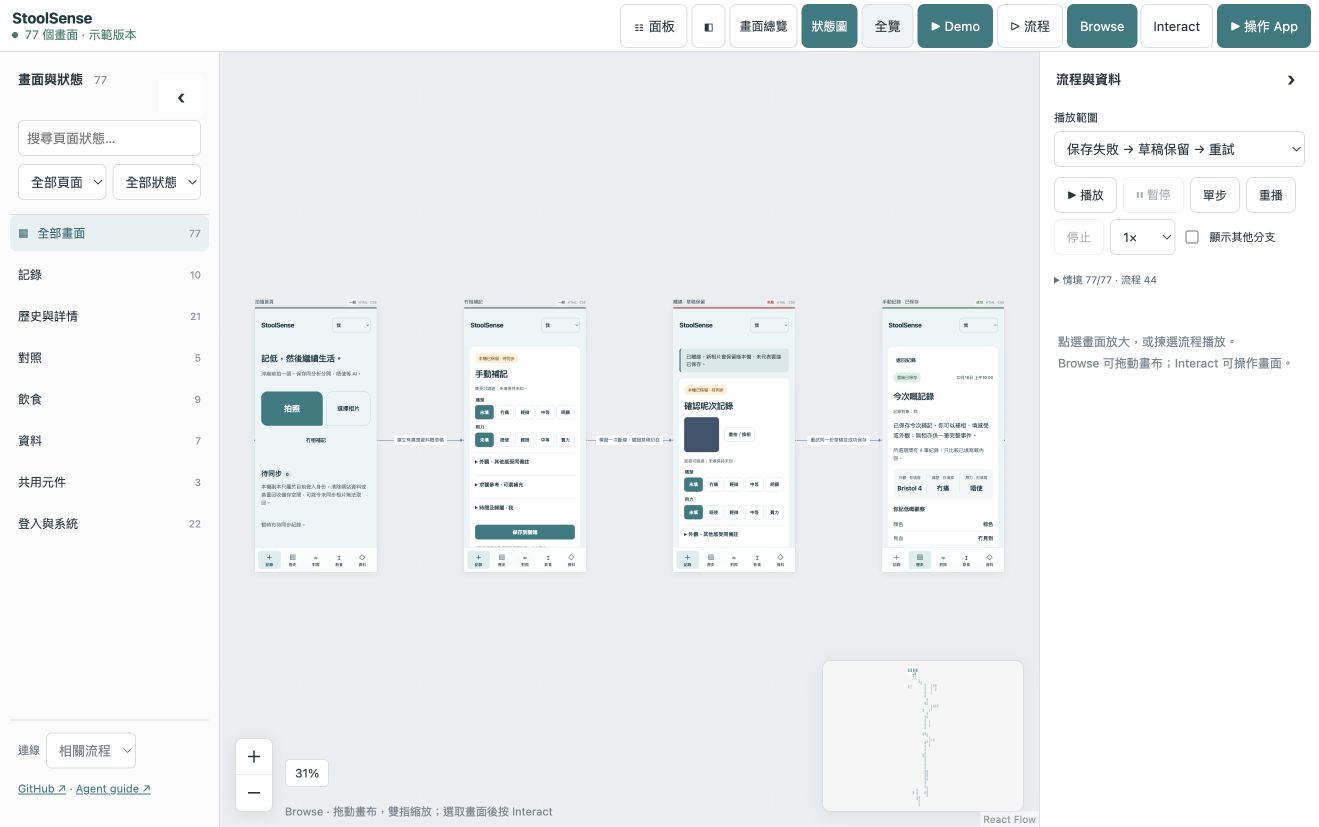
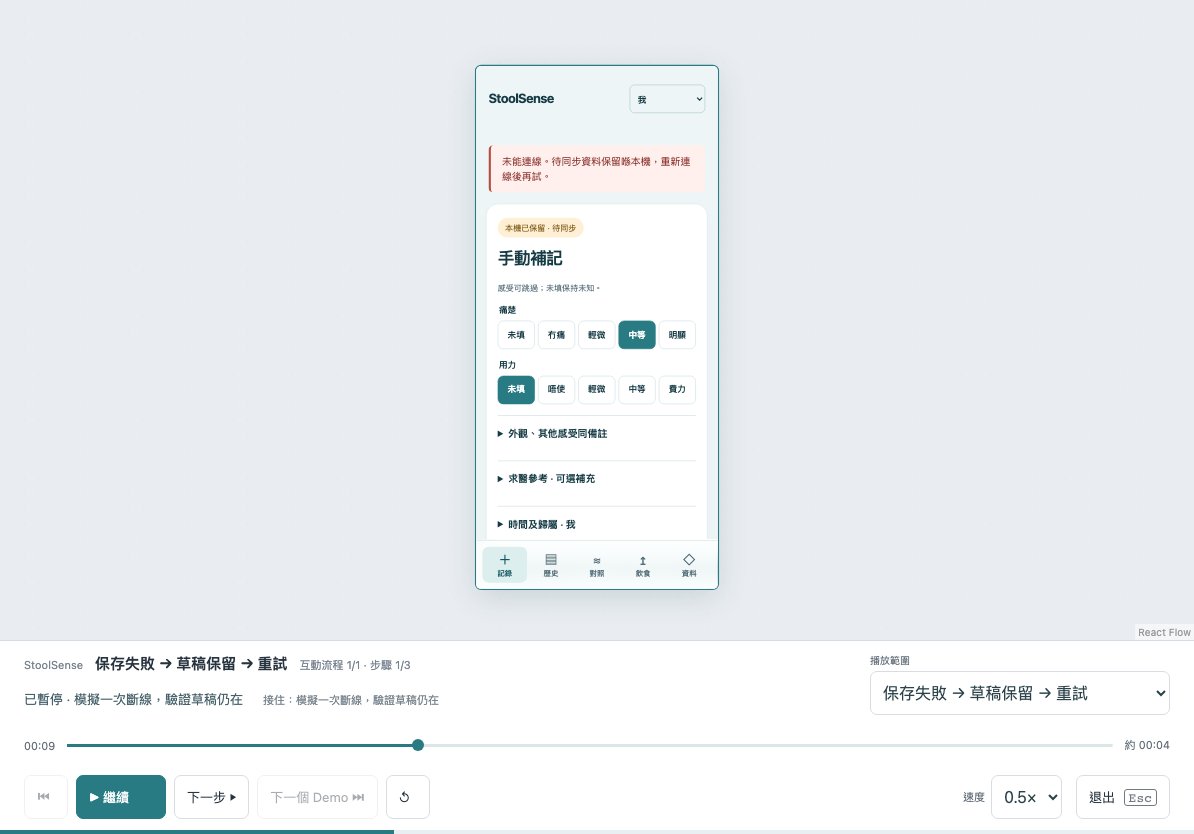
按页面分组查看完整画面,搜索、筛选或收起侧栏。点击流程链接后,镜头会移动到目标画面。
Browse 锁定控件,便于拖动画布。选中画面后点击 Interact,即可用合成数据操作原有 App 代码。
选择画面或 UI 元素,写下修改要求,再复制准确引用给 coding agent。让它修改源代码;源码整合的 preview 会重建。
交给能读写 Repo 并执行命令的 coding agent。无需事先准备 Storybook 或手写画面清单;仅安装包不会自动填满画布。
Read https://github.com/tombelieber/app-canvas/blob/v0.16.0/AGENT_GUIDE.md and add a completely populated Agent Canvas to this repository. Discover all screens, components, variants, states and navigation from the whole application source. Use original UI code. Create the missing synthetic fixtures and render harnesses. Reconcile an independent source inventory with rendered cases and source-linked runtime checks. Add checked happy, failure and recovery journeys. Group by actual page and feature, connect checked flows, deduplicate repeated captures and resume checkpoints. Run --ui-complete against the original source root; keep the stricter --complete source audit separate and unchanged. Continue until the full landscape is populated and verified; report genuine blockers as incomplete. Keep production sessions, credentials and real user data out of previews.使用 Node.js 22+,沿用项目的包管理器与 lockfile。安装固定版本的 GitHub release,再安装浏览器。npm 12 若阻止此直接 Git 依赖,才添加 --allow-git=root;无需更改全局设置。
npm install --save-dev github:tombelieber/app-canvas#v0.16.0
npx agent-canvas browsers对整个原有 App repository 运行 plan。检查所有文件和 UI anchors,追查影响 UI 的依赖,并核对实际导航。独立列齐页面和状态,不能由 catalog 反推范围;未解决 UI 必须保留。
npx agent-canvas plan --source-root . --out ui-review/ui-inventory.json
npx agent-canvas status --inventory ui-review/ui-inventory.jsonAgent 创建 ui-review/canvas.config.mjs、catalog、合成 fixtures、preview entry 和可检查 journeys。Web adapter 导入原有页面、providers 与样式;fixtures 只替代数据和依赖,不能重写 UI。拒绝未知网络请求。
ui-review/
  canvas.config.mjs
  catalog.json
  frame.jsx
  fixtures.js
  README.md
.artifacts/app-canvas/inventory.json
// package.json → scripts
"ui:review": "agent-canvas --config ui-review/canvas.config.mjs"覆盖已实现的正常、空白、加载、错误、拒绝访问、对话框和恢复状态。检查每个 case,流程要操作真实控件。核对 inventory、关联源码的 assertions 和 routes,再对同一 App 根目录通过 --ui-complete。 --complete 保留为独立、严格的完整源码审查;其待办数并非漏页数。
npx agent-canvas populate --config ui-review/canvas.config.mjs --source-root . --verify运行 ui:review,查看总览和状态图,再播放流程。让 Agent 修改真正的 App 源码;既有 preview 会重新构建。新 route 或状态需要更新 inventory、fixture 和 journey,交付前必须通过完整检查。
npm run ui:review共享包维护 viewer、CLI 和 skill;各 Repo 维护自己的 adapter、fixtures、独立 inventory、catalog 和交互检查。从可运行的 React/Vite 示例开始;其他技术栈使用专属 adapter。
Codex 和 Claude Code 可以安装附带的 skill,其他 coding agent 可直接阅读 AGENT_GUIDE.md。Canvas runtime 不调用模型,也无需模型 API key;你选择的 Agent 有自己的费用和权限。
npx agent-canvas install --target both是。本地 CLI、画布和内置 Agent skill 均以 MIT 许可免费开源。所选 coding agent 有自己的订阅或 API 费用。
支持。可安装其中一个或两个的 skill。其他 Agent 可按公开指南使用 CLI。画布本身不调用模型。
从 App 源代码或导入网站开始。Agent 接入现有 UI 并建立虚构 fixtures,让你一起检视真实画面和状态。
不会。Demo 在浏览器运行固定的虚构示例。检视你的 App 和修改源码需在本地项目与 coding agent 进行。
UIKit、SwiftUI 和 Android 需要项目专属的原始 runtime harness 与截图。原生截图不等于浏览器内可操作的原生 App。
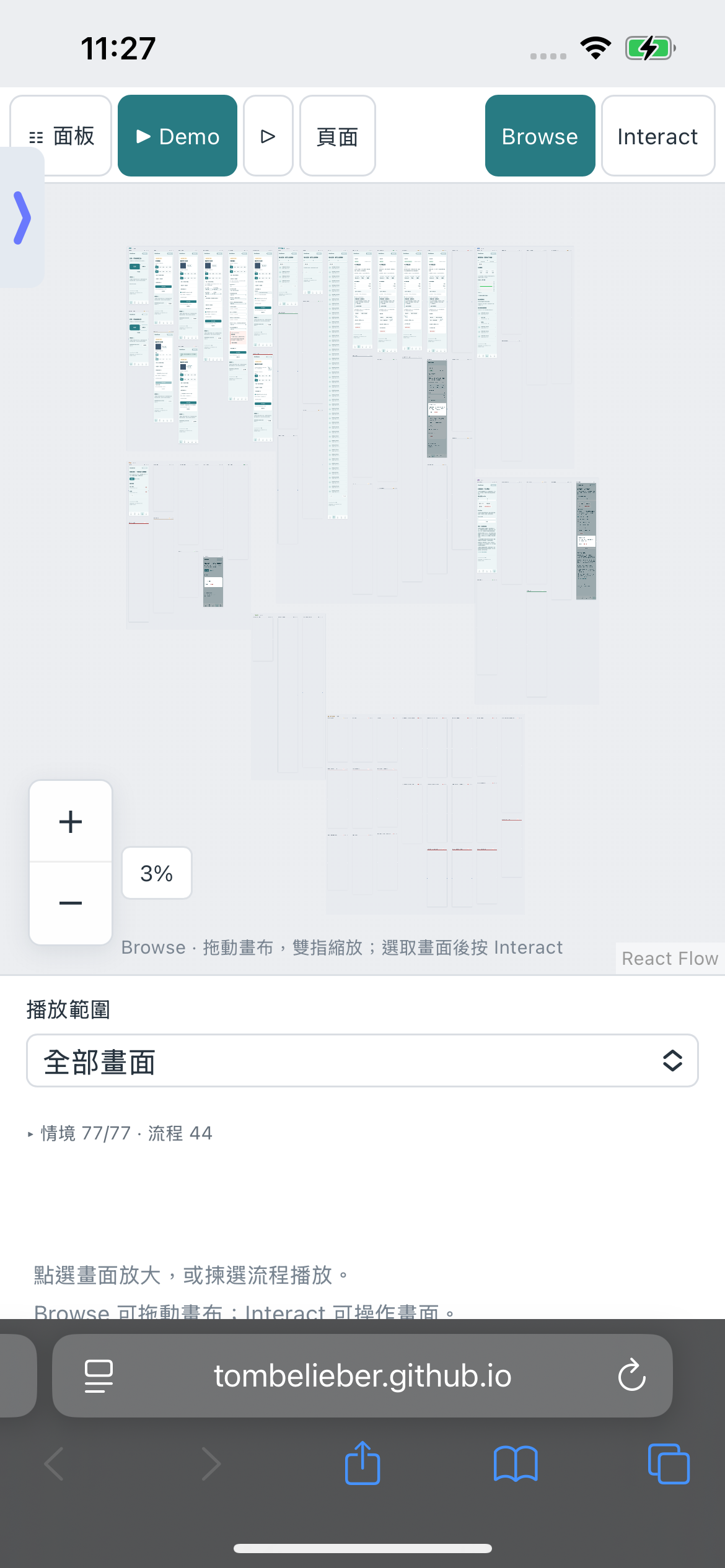
想要托管工作区?登记兴趣。Cloud 尚未推出;MIT 工具与公开 Demo 现已可用。
可选地经 Cloudflare 发送少量使用事件到 PostHog。不会将页面内容、代码、姓名、文件路径、email 或 IP 地址转交 PostHog,可随时关闭。